Home Office · 14 min read
Home office window treatments: control glare and boost productivity
Chris & Campbell · 19 June 2026
Glare on your monitor is not a minor problem. It shaves real hours off your weekly focus, leaves your eyes burning by 3pm, and pushes most home workers to crank the blinds shut and switch on a lamp instead. The fix is purpose-fit home office window treatments that filter daylight without blacking out the room. We measure and quote dozens of WFH setups across the Riverina every month, and the same three rules apply whether you are in Temora or Sydney.
Why screen glare drains home office window treatments productivity faster than you think
Screen glare is not just an annoyance. It forces your visual system to constantly recalibrate between bright window light and the moderate brightness of your monitor, draining cognitive load with every glance away from the keyboard. The biggest productivity gain often starts at the window, not the screen.
Optometry Australia recommends that anyone running screens for sessions longer than two hours pair their monitor with light-filtering window coverings and angle the desk perpendicular to the closest window. The reason is biological: the pupil cannot hold two brightness levels at once. When your peripheral vision picks up a 4,000-lux sky and your central vision is locked on a 250 cd/m² screen, the eye muscles fight a losing battle every few seconds.
Australian Bureau of Statistics 2023 Labour Account data shows roughly 37 percent of employed Australians worked from home for at least part of the week, and the Window Furnishing Association of Australia estimates the average home office now logs more daylight screen time than the average corporate desk. That is a lot of strain in rooms that were never designed for screen work. Purpose-built home office window treatments solve the root cause rather than masking the symptom with extra lamps and tinted glasses. The Australian Government Your Home passive design guide backs the same principle: control the light at the window first.
Which home office window treatments reduce glare without darkening the room
The best home office window treatments diffuse daylight rather than block it. You want enough light to see your desk without the lamp on, while keeping direct sun off the screen. Three options dominate every quote we write.
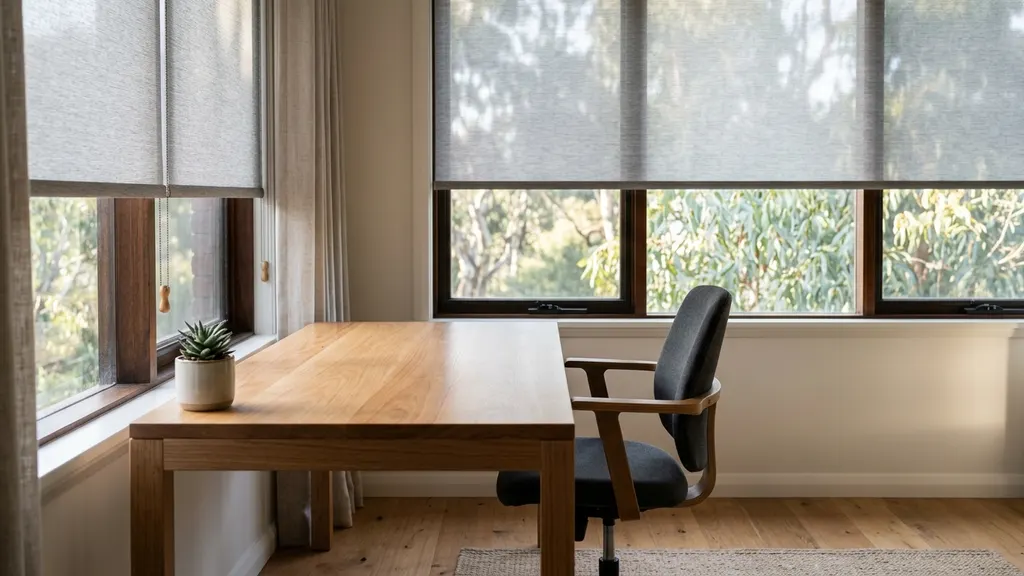
Solar roller blinds are the workhorse. A 3 to 5 percent openness fabric blocks 88 to 95 percent of incoming glare while keeping a soft, even daylight in the room. They sit flat against the window, look modern, and pair with any desk style. For most south or east-facing offices, a single solar roller is the entire fix. For north or west-facing windows that catch the harshest summer sun, we step up to the dual roller cassette, with a 3 percent solar fabric on one track and a blockout fabric on the other.
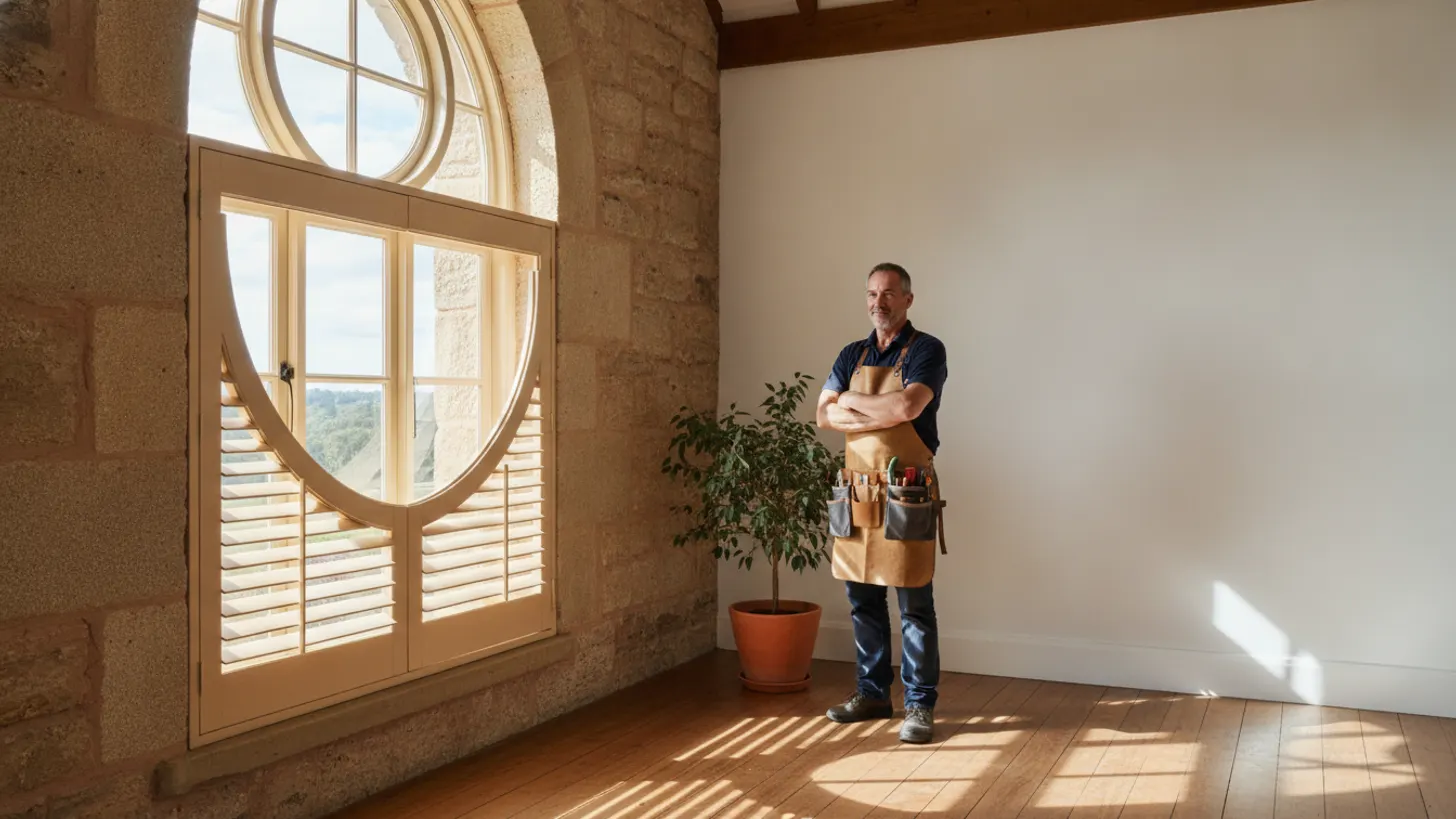
Plantation shutters are the second strong contender. The 89 millimetre louvres let you bounce light up to the ceiling and away from the monitor, giving you indirect daylight you can fine-tune by a few degrees throughout the day. They also hold their insulation value year-round, which matters in Riverina homes where summer can hit 42°C. A CSIRO overview of residential thermal performance notes that window coverings with sealed louvres reduce both summer heat gain and winter heat loss, which keeps your home office bill in check.
The third option is a layered curtain plus sheer combination, useful in heritage-style rooms where a hard blind looks wrong. See our breakdown of roman blinds versus curtains for the trade-offs.
How to position home office window treatments for the best indirect light
Position matters as much as the product. Even the best home office window treatments will underperform if the desk is in the wrong spot, the monitor faces the wrong way, or the room only has one shaded window.
Start with the desk. Optometry Australia is clear: monitor perpendicular to the window. The bright source should sit on your left or right shoulder, never directly behind or in front of the screen. If the room layout forces you to face a window, fit a 3 percent solar roller plus a blockout so you can drop the second layer for video calls.
Next, think about ceiling bounce. Plantation shutter louvres angled at 30 degrees upward will throw light onto a white ceiling and back down across the desk, producing the soft, shadowless quality that flatters both your eyes and your video call camera. The Australian Government energy.gov.au guidance on residential lighting flags the energy savings from daylight harvesting done this way, since you can usually keep the overhead light off until late afternoon.
Finally, consider air movement. A west-facing home office in NSW will heat up fast through summer afternoons. The Bureau of Meteorology UV exposure data shows the Riverina averages 11+ index readings from October to March, which means UV is hammering soft furnishings and your skin through ordinary single-glazed glass. A solar fabric blocks 96 to 99 percent of UV in the same breath as the visible glare.
Motorised home office window treatments for sit-stand desks
If you use a height-adjustable desk, motorised home office window treatments are the single biggest comfort upgrade you can make. When your eye level moves from 1.1 metres seated to 1.6 metres standing, the sun angle hitting the monitor changes, and almost no one reaches for a chain pull every hour.
A motorised roller blind tied to a sun sensor or a simple wall switch lets you set three presets: morning angle, afternoon angle, and full closure for screen-share calls. Smart home control through Google Home, Alexa, or Apple HomeKit means you can drop them with a voice command between Zoom meetings. We covered the integration depth in our motorised blinds smart home integration guide.
Wiring matters. Battery rollers (Somfy Sonesse, Acmeda Automate) are the fastest retrofit because no electrician is needed and the lithium pack runs 12 to 18 months between charges. Hardwired DC motors give you smoother movement and never need a recharge, but you must plan power before the plasterboard goes up. For a renovation or new build, we always specify hardwired. For an existing room, battery rollers are the better fit nine times out of ten.
What home office window treatments cost in Australia in 2026
The price gap between cheap online blinds and a properly measured home office fit-out is smaller than most people expect. Quality home office window treatments are not a luxury spend when you compare them with the productivity hours lost to a glare-blasted room.
For a standard double-hung window (around 1.2 metres wide), expect the following in NSW for 2026, fully installed and including measure-and-fit:
| Treatment | Per window (installed) | Best fit |
|---|---|---|
| Solar roller blind (3-5% openness) | $380 to $550 | Screen-heavy desk, south or east window |
| Dual roller (solar + blockout) | $480 to $700 | North or west exposure, video call studio |
| Plantation shutter (89mm) | $620 to $880 | Long-term home, premium finish |
| Motorised solar roller | $650 to $920 | Sit-stand desk, smart home |
These ranges align with the latest Canstar Blue Australian consumer pricing data for residential window coverings. We also see them tracked in our own fleet of Riverina quotes through Q2 2026. For an energy view on payback, the Sustainability Victoria guidance on home thermal upgrades points out that thermally tight window coverings cut both heating and cooling load enough to pay back in three to six years on most homes. A look at energy-efficient window coverings covers that maths in detail. A two-window home office in 2026 should land between 760 and 1,840 dollars depending on spec.
Frequently asked questions
What is the best blind for reducing computer screen glare in a home office?
Solar roller blinds with an openness factor between 3 and 5 percent are the strongest all-rounder. They cut visible glare by up to 95 percent while still letting daylight through, so the room never feels like a cave. For north-facing or west-facing windows that catch direct sun, drop to a 3 percent openness fabric and pair it with a separate blockout roller for late-afternoon meetings. The Window Furnishing Association of Australia publishes openness testing data backing this range, and we have fitted hundreds of Riverina home offices on the same spec.
Should my desk face the window or sit side-on to it?
Side-on, every time. Optometry Australia recommends positioning monitor screens perpendicular to the closest window so the bright source sits in your peripheral vision, not behind the screen. Facing the window puts a bright sky behind your monitor and forces your pupils to fight constant contrast. Putting the window directly behind you creates reflections on the screen. A perpendicular layout, combined with a light-filtering treatment, is the configuration that holds up across sessions longer than two hours of screen work, per Standards Australia residential design references.
Are blockout blinds a good idea for a home office?
Blockout blinds alone are a poor choice because they force you to switch between full daylight and full darkness with no middle gear. A dual roller set, one solar fabric plus one blockout, gives you everything from a soft diffused glow through to a fully darkened room for video calls with a projector. Standards Australia references this layered approach in residential window covering guidance. Expect to pay 25 to 40 percent more for the dual track, and it remains the most-requested upgrade across our Wagga Wagga fit-outs.
Do motorised blinds work with a sit-stand desk routine?
Yes, and they are the single biggest comfort upgrade for height-adjustable desk users. When your eye level changes from 1.1 metres seated to 1.6 metres standing, the sun angle hitting your monitor changes too, and most people will not reach for a manual chain every hour. Programming two or three sun-tracking presets on a motorised roller takes a few minutes, and the CSIRO has published guidance on automated shading reducing cooling loads as well. Budget around 650 to 920 dollars per window installed in NSW.
Can plantation shutters work in a screen-heavy home office?
Plantation shutters are excellent for glare control because the louvres let you angle light upward off the ceiling and away from the screen, giving you indirect daylight with zero direct hit on the monitor. We size louvres at 89 millimetres for most home offices because the wider blade gives finer angle control. Compared with a fully open blind, shutters keep insulation value up year-round, which the yourhome.gov.au passive design notes flag as a measurable energy win. Pair them with a light sheer curtain for the softest finish.
What does a quality home office fit-out cost in 2026?
For a two-window home office in NSW, expect 760 to 1,100 dollars for solar roller blinds installed, 1,240 to 1,760 dollars for plantation shutters installed, and 1,300 to 1,840 dollars if you go fully motorised. Canstar Blue customer pricing surveys confirm this range tracks the national average within ten percent. We measure and quote on the spot during the home visit, so you walk away with itemised pricing the same day. No deposit, no quote fee, and no high-pressure pitch.